

Health insurance
Our Health App
Want to make a claim, view your extras or manage your account? Download the app today.


The Australian Unity Health App helps you
 Easily access your health cover information online 24/7
- Make payments
- View and update your membership details
- Make claims
- View claims history, and more
Access your digital card so you can easily tap and claim at your healthcare provider from your iPhone¹ or Android² smartphone—useful for everything you do.

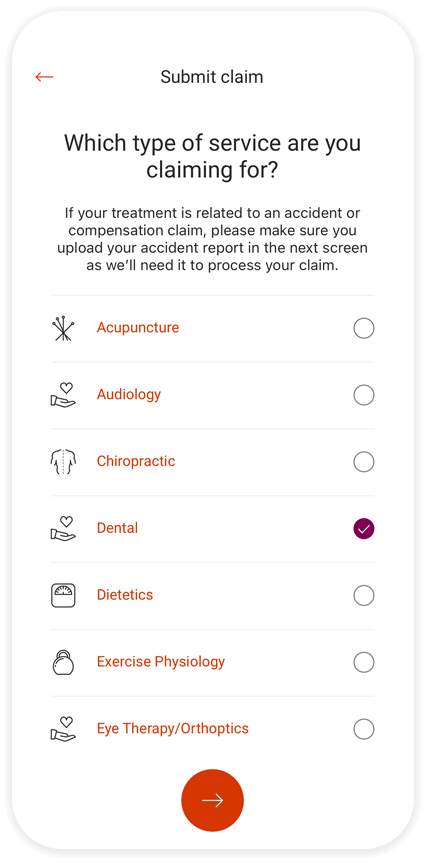
Claim online
Make a claim whenever it suits you, simply by uploading a photo.
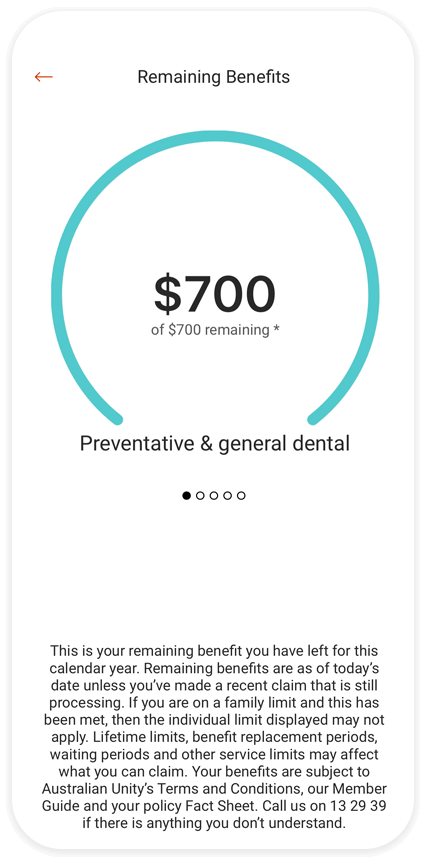
View extras limits
Stay on top of your remaining benefits, at a glance.
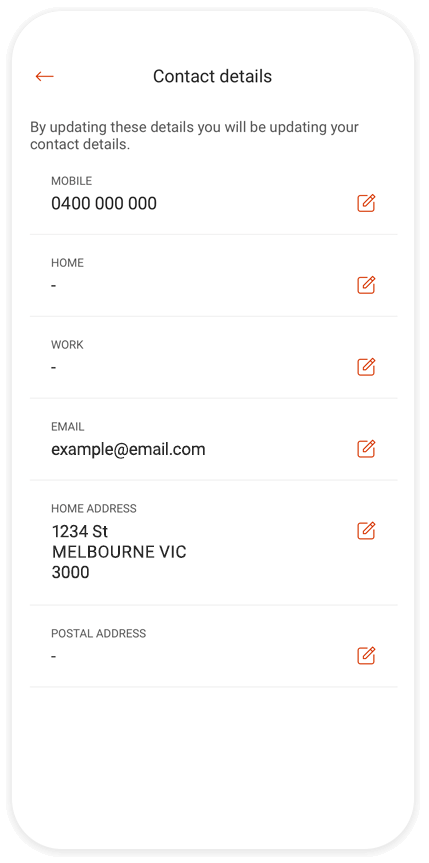
Take control of your cover
Check your policy details, update your contact details, update your bank account details and see who's covered on the go.
Step 1
Download the app from the App Store or Google Play.

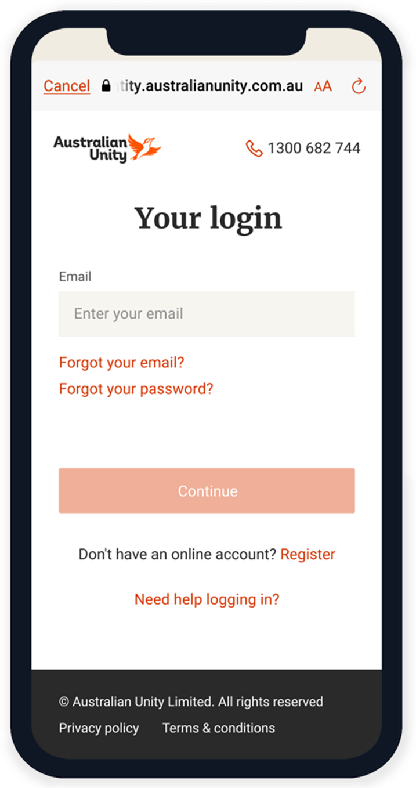
Step 2
Register or log in using your email password.
Step 3
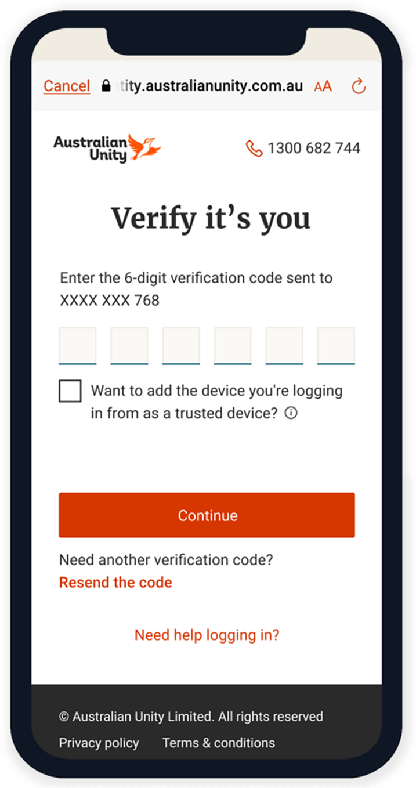
Enter the code we send to you via SMS to verify your identity.
Who can use the app?
The app can be used by members who have:
 Hospital & extras
 Extras cover only
Overseas visitor cover & extras
The app does not currently support the following policies:
Hospital cover only
Overseas visitor cover only
Members who have Hospital cover only, or Overseas visitor cover only will be redirected to the browser-based member portal to manage their accounts.
Members who hold multiple policies will only be able to view their most recently used extra in the app, and they’ll be redirected to the browser-based portal for additional needs.
What is my username?
I have the previous app on my phone. What do I need to do?
Your login details have not changed. Simply enter the same username and password and you'll be all set.
If you still have our old app, (from prior to April 2022), you will need to delete it, then visit the app store to download the new app. You’ll also need to re-register for Australian Unity Online Member Services.